
Podcast Episode 0114 - The Cost of Information Exchange – Part 4: Getting Your Workday Back After Meetings Go Away
Hey everyone, I’m Annie Rynd, and you’re listening to the 1,001 Business Problems Solved with Microsoft Teams podcast.
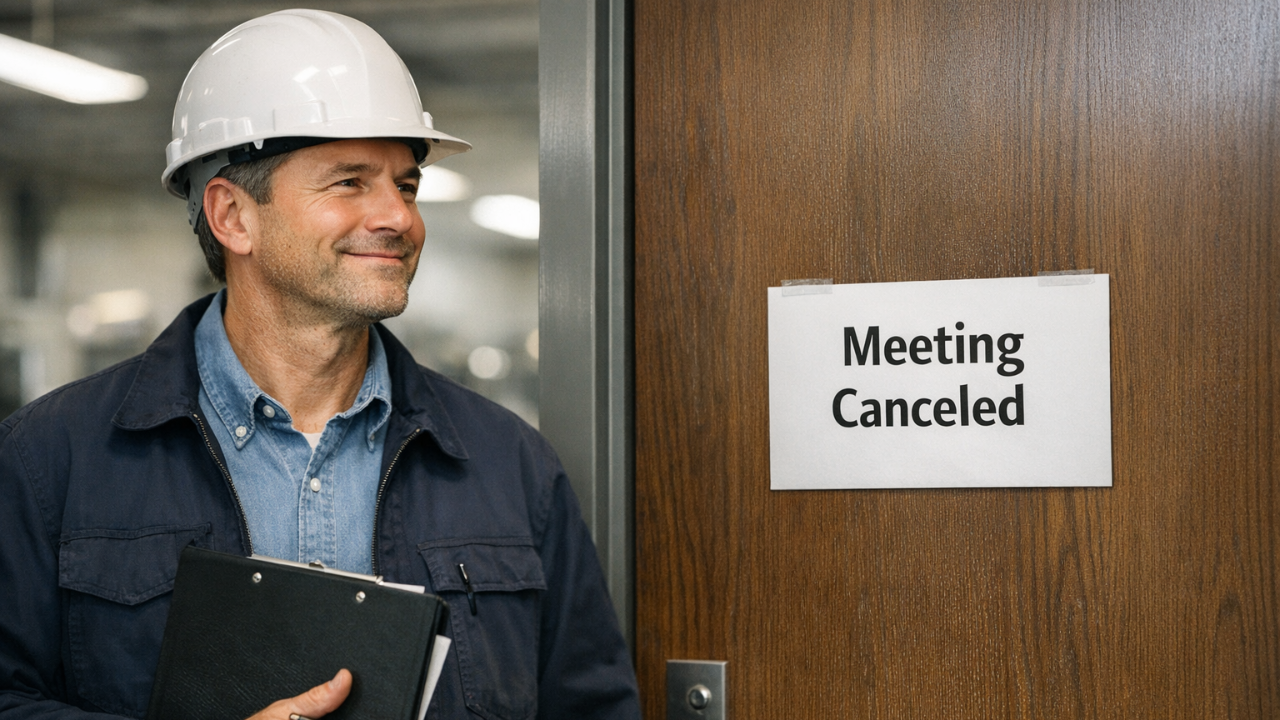
Today is the fourth and final episode in our series on replacing meetings — not fixing them, not squeezing them shorter, but actually letting some of them go without losing control of the work.
And before we get into it, I want to say something up front.
We’re more than a hundred episodes into this podcast now, and I can honestly tell you, this may be the most consequential episode we’ve done so far.
Not because it introduces some new trick or feature, but because it pulls together everything we’ve been building toward for a long time. The way information lives, the way teams stay aligned, and the way leaders spend their time all come together here.
And because of that, this episode does run a little longer than our usual six or seven minutes.
But I think you’ll find it worth it.
If you’ve been with me for the past few episodes, here’s where we are.
In episode one, we named something most leaders have felt for a long time. Meetings were never really the goal. The real goal was synchronization — having a shared understanding of what changed, what’s moving, and what needs attention.
In episode two, we showed that replacing those meetings is possible. Even in environments where mistakes can be costly and painful, alignment can still hold when people aren’t all sitting in the same room.
And in episode three, we answered the natural next question. If meetings aren’t the best way to stay synchronized, what actually replaces them. The answer was simple. People stay aligned when they can see the state of the work without asking.
So today, I want to talk about what life feels like once you’ve actually done that.
Because the payoff is bigger than most people expect.
A lot of leaders think the prize is getting the meeting hour back. And that is a win. But the bigger prize is everything wrapped around that hour.
It’s the time you spend shutting down your work before the meeting. The time it takes to walk there. The time you spend sitting through updates that only partially apply to you. The walk back. And the quiet effort your brain goes through to find its place again.
You sit down after the meeting and you have to remember where you left off. What you were working on. What you were about to decide. That reset takes time, and it pulls you out of the flow of real work.
When meetings carry the full burden of synchronization, that cycle repeats over and over.
Now picture the same environment, but the work itself is visible in a place people trust.
Let’s go back to the outage example, because it makes this clear.
In a large outage meeting, most people in the room are not there to make decisions. They’re there to understand what’s happening around their work. An engineer is listening for upstream changes. A planner is listening for schedule shifts. A supervisor is listening for coordination points. Leaders are listening for the overall shape of the day.
In a meeting-driven environment, that awareness comes from sitting in the room.
Conversely, in a visibility-driven environment, that awareness comes from looking at the work itself.
Updates are captured where the work happens. Conversations stay tied to the work. Decisions sit next to the context that produced them.
So instead of stopping the day to hear the story, people check the story as part of doing the work.
That changes everything.
The electrician doesn’t have to leave the floor twice a day just to hear updates that don’t apply. The engineer doesn’t have to wait until the afternoon meeting to learn something that would have changed their morning. The supervisor doesn’t have to interrupt three people just to understand whether a dependency moved.
The work stays in motion, and people stay oriented at the same time.
And when a meeting does happen, it feels different. It’s smaller. It’s sharper. It has a purpose. People show up already understanding the situation, and the conversation can start where it always should have started, which is around decisions and forward motion.
Now bring that same idea down to a smaller business.
Maybe your version of the outage meeting is a weekly staff meeting that turns into a long list of updates. Maybe it’s a project meeting where people spend most of the time explaining what already happened. Maybe it’s an owner who feels like they have to be in every conversation just to keep the picture intact.
When the work has a place to live, that pressure starts to ease.
People can check what changed without waiting for a meeting. They can see how their piece fits into the bigger picture. New employees can read what’s been happening instead of asking around. The business builds a shared understanding that doesn’t reset every week.
That’s what life after meeting-driven synchronization feels like.
It feels calmer and it feels more focused.
It feels like people are spending longer stretches actually doing their work instead of preparing to talk about their work.
And I want to say this plainly, because it matters.
What this really does is take the pressure out of staying aligned. People aren’t working so hard just to understand what’s going on. The picture is there when they need it, and that makes coordination, alignment, and accountability all feel a lot more straightforward.
And yes, this is exactly the kind of environment Microsoft Teams and SharePoint were designed to support. They give work a place to live. And when that place is used consistently and in a way that fits your unique business processes, Copilot starts to make sense as a way to understand that work faster.
I’m not going to spend time teaching tools today.
What I want you to see is the shift in experience.
Because once work is captured as it happens, something else changes that most organizations don’t talk about enough.
Work stops disappearing.
In a lot of workplaces, the real story of the work vanishes once it’s done. The meeting ends. The conversation ends. The decision gets made. And then the details live in someone’s head or someone’s notes.
A few weeks later, people remember things differently.
A few months later, the reasons behind decisions are hard to find.
A year later, the same problems show up again because nobody has a clear record of what actually happened.
When work lives in a shared, visible place, that pattern starts to break and the organization builds memory.
An outage leaves a trail. A project leaves a trail. A quarter leaves a trail. Not because someone stopped everything to write a report, but because the work was captured as it unfolded.
That’s where something like lessons learned finally becomes real.
Most organizations want to do lessons learned. They ask the right questions. What went wrong, and how do we prevent it. What went right, and how do we do more of it.
But when those conversations happen weeks later, the details are already fading. People are relying on memory instead of evidence.
When the story of the work is already there, those questions become easier to answer honestly.
You can see where things slowed down. You can see where handoffs broke. You can also see where something worked better than expected.
Now, this is where Copilot starts to feel useful in a very practical way.
Not as a magic answer machine, but as a way to help you learn from the work you’ve already done.
If your outage or project has a clear record, Copilot can help you review that record faster. It can help you summarize what happened. It can help you spot patterns that were easy to miss at the time. It can help you prepare for a lessons learned conversation with something more solid than memory.
For example, a leader could prompt Copilot like this.
Hey Copilot, review all of our outage updates, conversations, and files related to the Spring outage and generate a table of potential improvement ideas. For each idea, include a short title, whether it reflects something that went wrong or something that went surprisingly right, supporting evidence from the record, the likely prevention or repeat strategy, the general area it belongs to, and a suggested owner role. Include both items that were clearly documented and items that are implied by repeated friction or delays. Keep the tone factual and practical.
That kind of request only works if the work itself is there to be reviewed.
And that leads to one last thought I want to leave you with.
I know a lot of managers feel an undercurrent of pressure right now around AI. You can feel things changing. You can feel the pace picking up. And there’s a quiet voice that says you should probably be doing and learning more or you’re going to get left behind.
I want to offer a bit of reassurance, without getting into the hype.
AI feels overwhelming when it doesn’t have anything solid to work with.
When your work is scattered, every new feature feels like one more layer of confusion.
When your work has a single place to live, and it’s updated where the work happens, that feeling changes.
At that point, Copilot isn’t guessing. It has a real library of your organization’s activity to work with.
So one of the most practical ways to prepare for an AI-driven future is not to chase features.
It’s to make sure your work environment actually captures the truth of the work.
That helps you today, even if you never touch AI.
And it sets you up for tomorrow, because when you are ready to go deeper with Copilot, it has something worth mining.
If I could leave you with one idea from this whole series, it would be this.
Synchronization is mandatory. Disruption is optional.
When work has a clear place to live, people stay aligned, meetings stop carrying the burden of orientation, and the organization moves forward with more clarity and less friction.
This is Annie, signing off — and I’ll see you next time.
Stay connected!
Join our mailing list to receive cutting edge content.
Don't worry, your information will not be shared.
Categories
All CategoriesThe Author

Arnie Howes
Arnie Howes has spent more than 25 years working with hundreds of organizations, using Microsoft collaborative technologies and Lean Office techniques to eliminate email overload and information chaos.
Receive cutting-edge content from the author!
